
At a glance
Expert’s Rating
Pros
- Super simple for the average user
- Available with any Dropbox account, including free
- One-way sync with file versioning
Cons
- Teams version of Backup moves your data before backing it up
- Version retention is limited without additional outlay
- On the pricey side for more than 5GB
Our Verdict
Dropbox Backup is a nice perquisite for one-person account users, despite surcharges for long-term version retention. But the Backup feature for teams is entirely too cavalier with your data, moving it about before backing it up.
Price When Reviewed
This value will show the geolocated pricing text for product undefined
Best Pricing Today
Price When Reviewed
Dropbox Backup: Free with Dropbox account
Best Prices Today: Dropbox Backup
Free
Though well known as a sync service, Dropbox now offers a backup function — after a fashion. It’s actually one-way sync with versioning, which would be tantamount to the same thing if older file versions were retained indefinitely. However, there are surcharges to retain older versions of files beyond 30 (Plus) or 180 days (Pro).
Versioning aside, while the Plus and Professional tier backup operate politely and as expected — simply backing up data online, the Standard tier for teams account moves your original stuff before backing it up. That’s a recipe for disaster, which almost cooked this author’s data.
Read on to learn more, then see our roundup of the best online backup services for comparison.
What are Dropbox Backup’s features?
Dropbox Backup is available at every level of the service, including the free 5GB tier. But as mentioned, it’s actually one-way sync with limited versioning. Versions are retained only for 30-days with a Plus plan and 180-days with a Pro account. You can extend those retention times — for a fee (see the “How much…” section below).
How is one-way sync different from the standard Dropbox sync? First off, it doesn’t sync to or with other devices — just the online account from the device being backed up. Secondly, changes made online aren’t reflected locally.
In practice, I found the backup function for the personal plan polite and easy, though I wasn’t completely in love with the user interface. It stays always on top, forcing you to minimize it to access other programs. The selection process is also a bit restrictive.
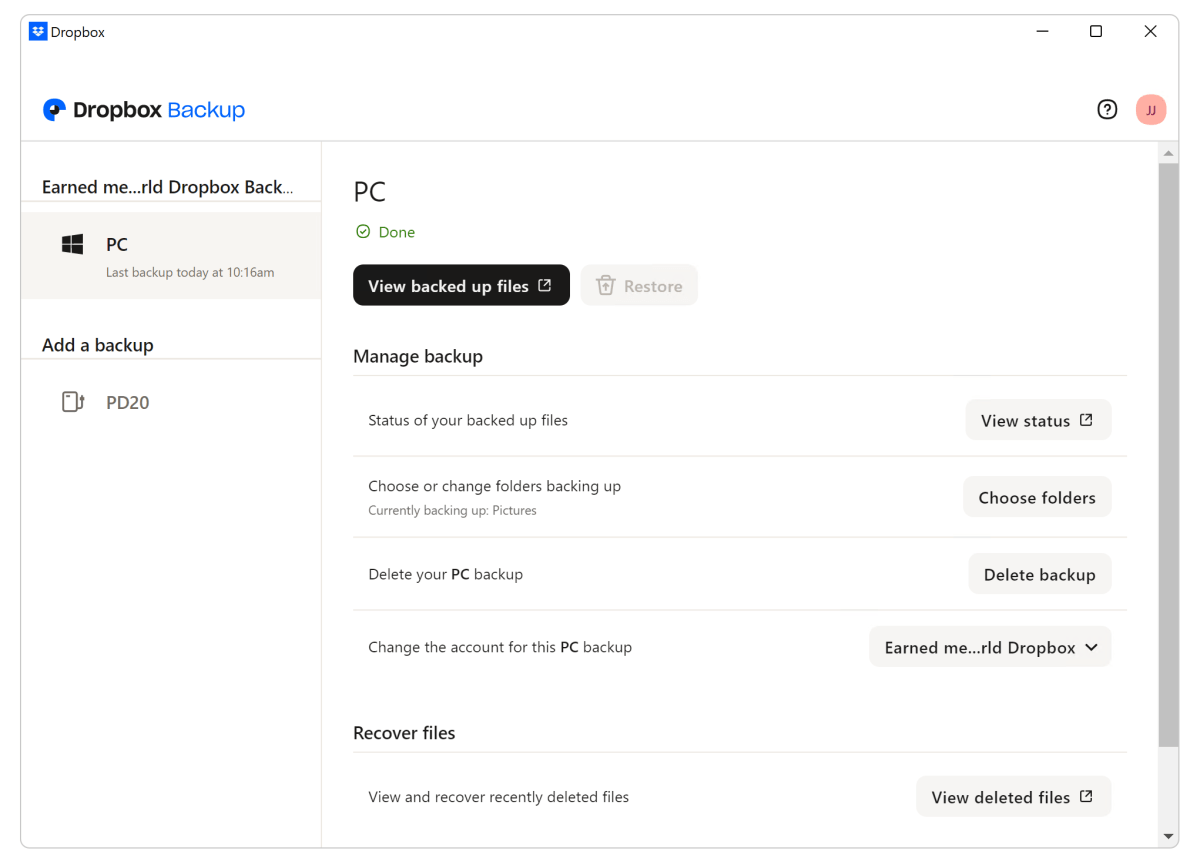
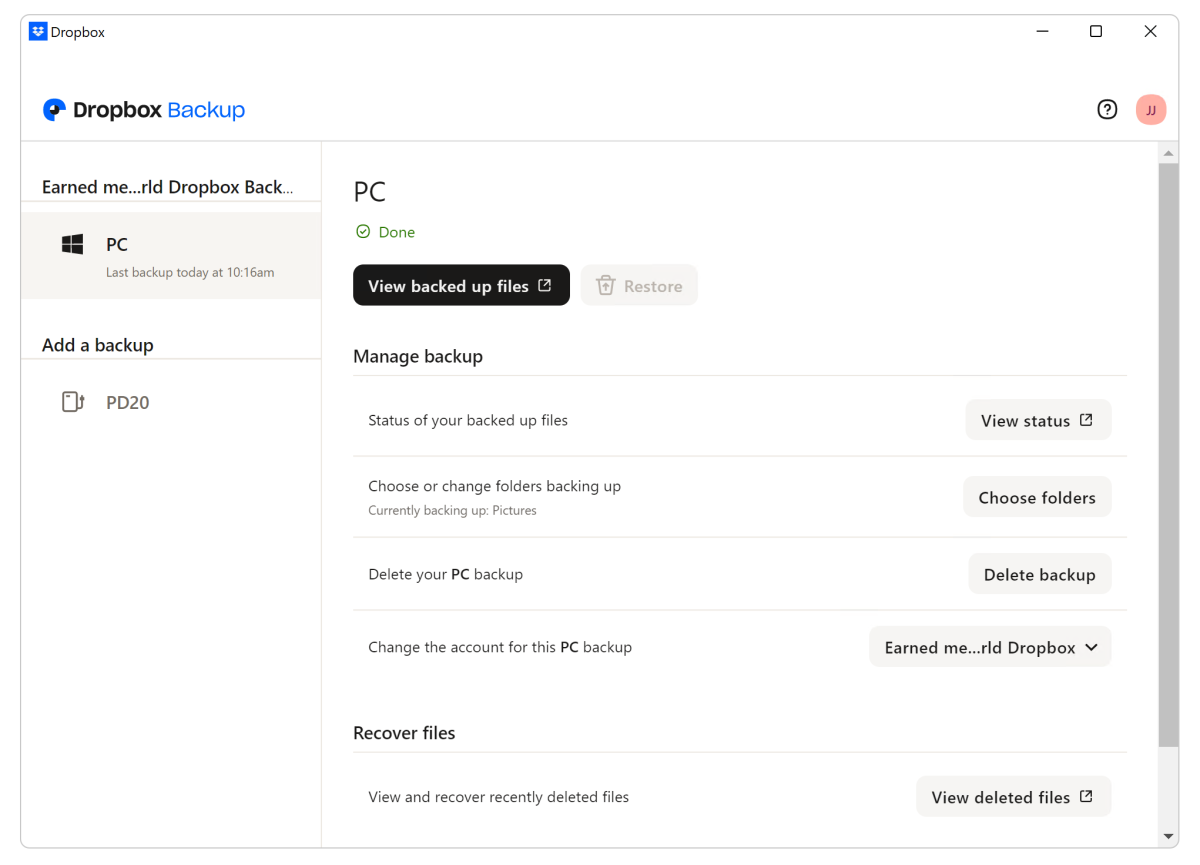
To use the Dropbox Backup function, open the Dropbox client, click on your user name icon at the top right, select Preferences from the drop-down menu, then Backup from the navigation pane on the left of the dialog. (Why such a convoluted path under Preferences when Backup could be added to the main context menu? Don’t know.)
Then select Choose folders and you’re presented with the somewhat limited selection (you can’t browse at the drive level) shown below. This dialog evolved over the time I tested the program. During my first look, you couldn’t drill down from the listed folders. Note that it’s not referred to as Beta in the image, though later in testing “beta” appears in some locations.
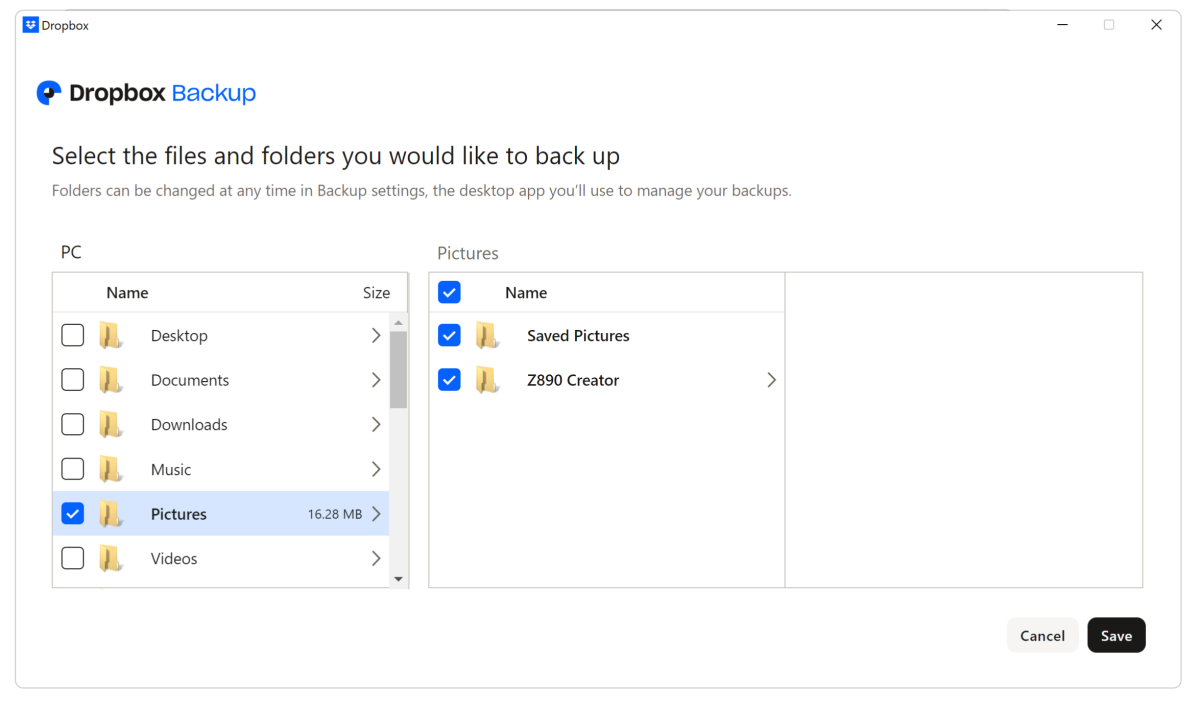
If you plug in an external drive, you’ll get a pop-up that asks if you want to back it up. Nice. The folder selection dialog for external drives does allow you to select any folder on the drive.
Dropbox Backup is pretty much limited to selecting data and backing it up at intervals of 15 minutes, daily, or weekly. There are no email warnings, compression, or encryption settings, or any of the other bells and whistles that few people outside of IT actually need.
Dropbox is cross-platform and offers numerous other features, including top-notch document preview and editing as well as the collaborative touches found in the versions for teams and enterprise.
But those features are not directly associated with the Backup function, hence I’ll leave those for a review of the entire service. If you can’t wait for that, you can read more about those other features here.
How much does Dropbox Backup cost?
Dropbox Backup is included as part of normal Dropbox sync/storage plans, so pricing is the same: $10 monthly for Plus with 2TB of storage, and $16.58 monthly for Professional with 3TB of space.
There’s also a free 5GB tier if your data needs are minimal. I’ve had one for years. It’s very handy.
Dropbox Standard for teams with 5TB of storage is $15 monthly per user, while the Advanced tier for enterprise accounts are $24 per user starting with 15TB of shared storage for the team.

The teams and enterprise plans include features most users don’t need such as advanced key management, compliance, and end-to-end encryption.
As to the aforementioned long-term version retention charges, they’re $4 a month for one-year retention, and $6 a month for 10-year retention. Annual pricing is a bit less at $40 a year for one-year and $60 for 10-year.
How does Dropbox Backup perform?
Using the free personal plan, Dropbox Backup was quick and suffered nary a hiccup. I had no issues with it other than the inability to select any folder I wanted.
But, as mentioned, I experienced a near data disaster with the teams account that the company thoughtfully provided for testing. That encounter is described below.
Dropbox Backup for teams takes chances
While my first bout with the Standard tier of Dropbox Backup proved a bad day for me, it was also fortuitous in that I discovered that it does something absolutely verboten in the world of backup — moves the source data around before actually backing it up.
Not copy, not cache — move. I was gobsmacked, as this runs counter to the very concept of backup, which is to make a copy of your files before some action or event destroys them.
The moving bit me big time, though it was partially my fault for being hasty. In my defense, not in a million years would I have suspected that the warning, “You might see stuff move around…” could possibly refer to my existing source data.
The accident happened with the Mac version, but the same basic move-before-backing up MO is used by the Windows version of Standard Backup.
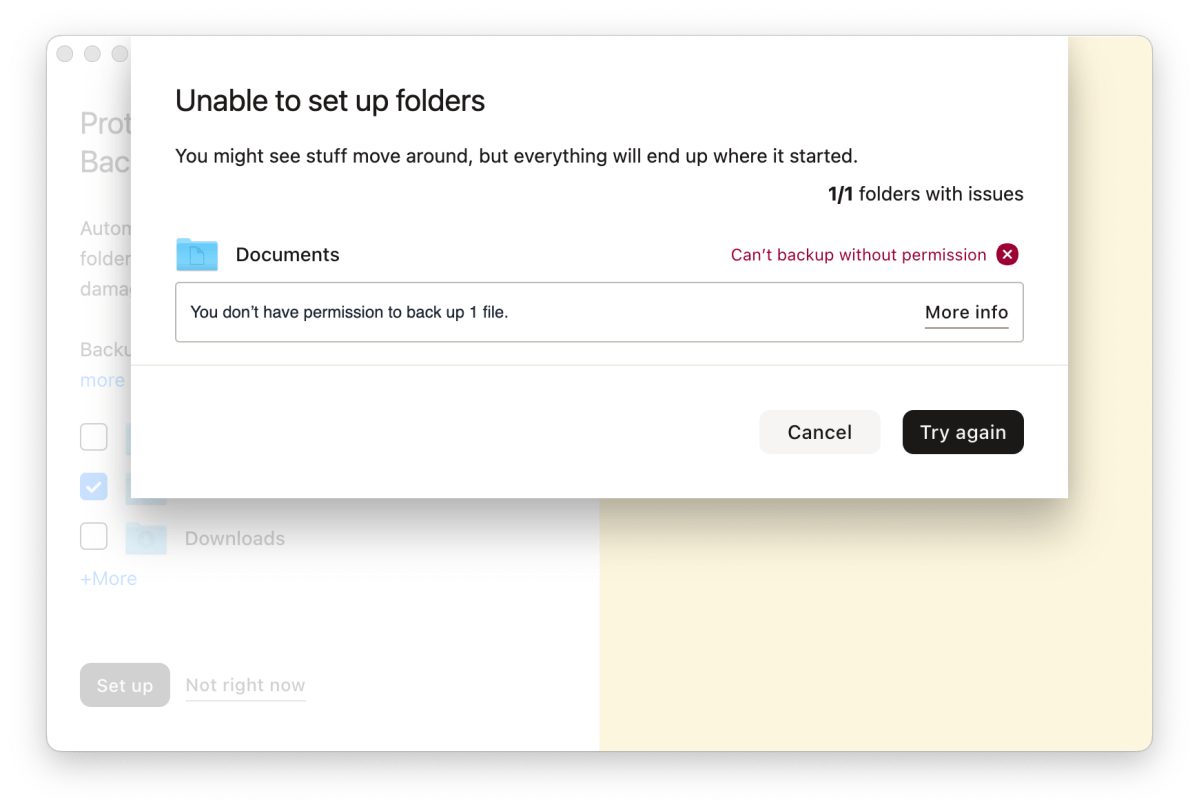
It went down like this:
I installed Dropbox Backup, selected my existing 225GB Documents folder to be backed up and watched things get under way. Soon after, however, I noticed that my M4 Max Studio (a very, very fast machine) was slowing down a bit.
Checking, I saw that my internal SSD was nearly full when there should have been at least 400GB free. For the life of me, I couldn’t conjure up a reason why, but I assumed it was related to the recently intitiated Dropbox Backup. I stopped the process, and deleted/trashed the suddenly huge Dropbox Standard folders to get the space back.
Alas, after emptying the trash I noticed that some of my email folders were missing in Thunderbird. I went looking and discovered that my original Documents folder was nearly empty. Not a few unkind words were uttered in Dropbox’s direction.
Fortunately, I was backed up as of a few hours prior and nearly everything was recoverable. But the incident raises several questions:
1. Why does Dropbox Standard assume that something I want backed up was something that I wanted to share?
2. Why risk moving the data before backing it up when someone hasty (or a power failure, or other disaster) might interrupt the process and delete or corrupt the new folders? What if the backup was an emergency for a failing system?
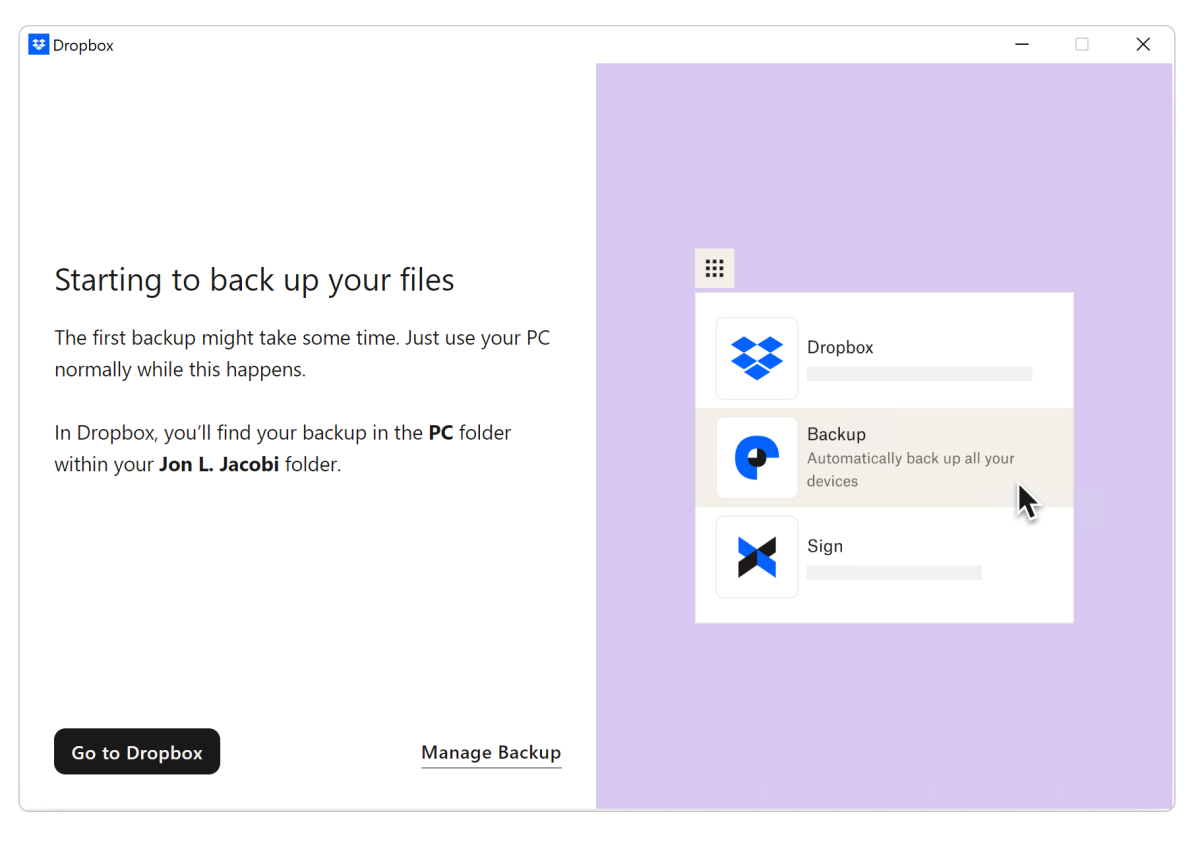
The plain fact of the matter is that Dropbox Standard Backup for teams takes reckless chances with your data. Not everyone has great backup habits, Murphy’s Law is eternally a thing. Flat out, messing with people’s data before you know it’s safely backed up is something you should not do.
To be fair, on a brand new machine with no data, this would not be an issue. No moving can occur when there’s no data to move.
Note that Dropbox Backup is now technically a beta, though it’s not listed as such everywhere and I don’t remember it being called that when I first started with it.
Regardless, I talked extensively with the company about the move-before-backup methodology and there didn’t seem to be any rush to change it, or even an acknowledgement that it was a bad idea. If there is a change, I’ll be sure to let you know.
Should you use Dropbox Backup?
Dropbox Backup with the single-user Plus and Professional plans — yes, especially as it’s free if you already have the service. Just be aware of the versioning limits. It’s not true point-in-time backup without extending those.
As for the Standard tier of Dropbox Backup, I wouldn’t touch it with a 10-foot pole on a computer with existing data until the company stops it’s move-before-save practice. If you’re starting from scratch on a clean computer, still exercise caution.